Start/Stop the application
Start the application
To start the application, simply open a terminal:
If you have the latest version v2.x or higher, start the application with the following command:
If you have version v1.1 or lower, start the application with the following command:
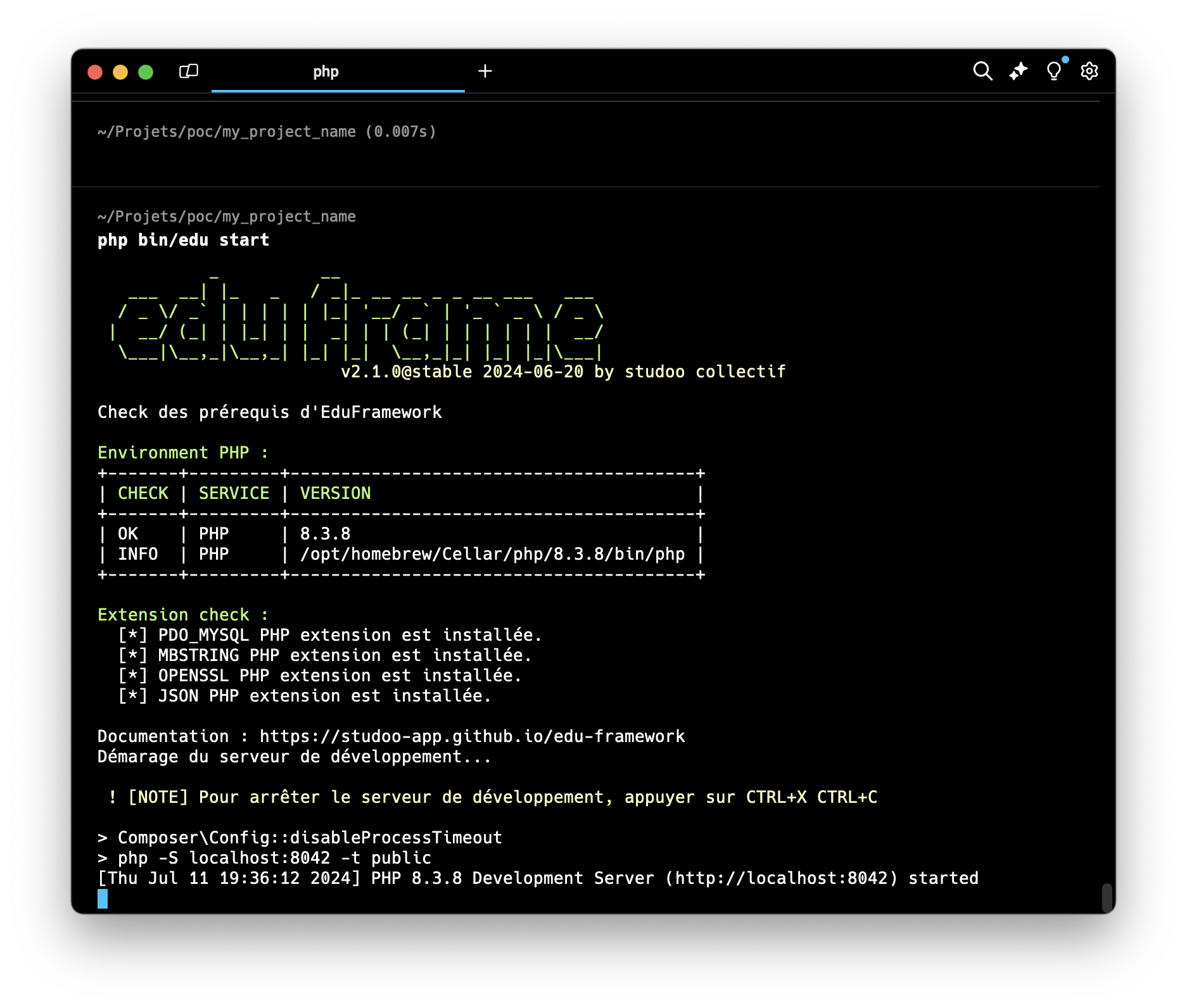
Here is an example of the command-line output:
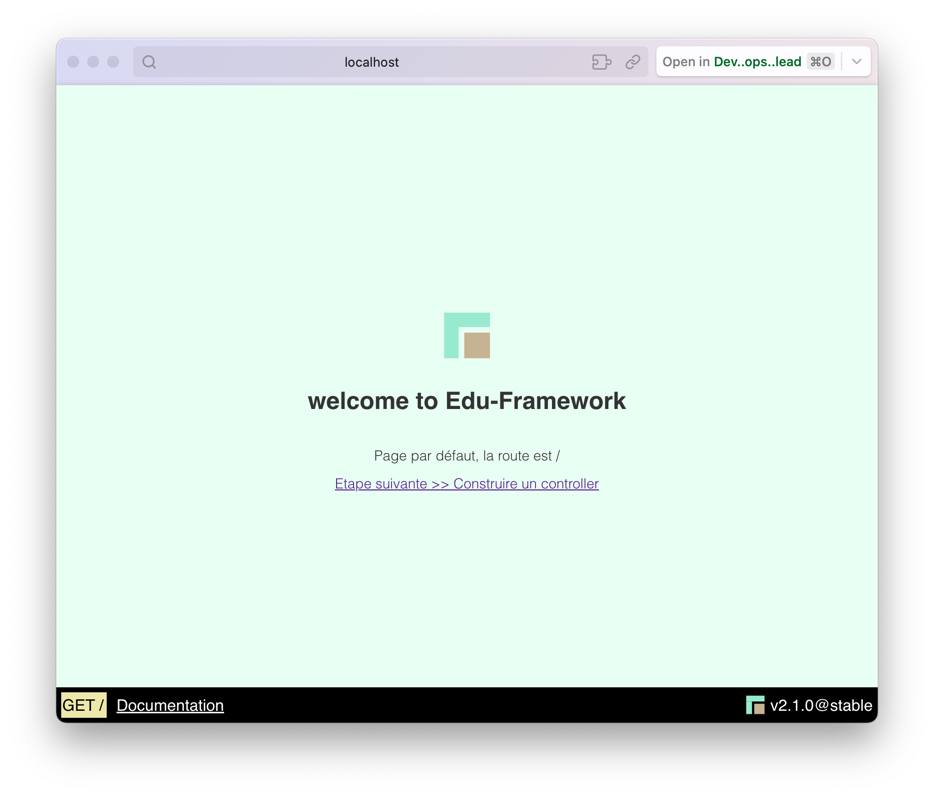
Here is an example of the resulting web page:
Application address
This command starts the development server at http://localhost:8042.
The start command options
The php bin/edu start command has options (from version v2.3.0):
| Option | Description |
|---|---|
-p or --port |
Changes the listening port of the development server (default: 8042) |
--no-start |
Checks your environment's prerequisites without starting the development server |
Example to start the application on port 9090:
Example to check the prerequisites without starting the server:
Request logging
When the server is started with php bin/edu start, every HTTP request received is logged in an SQLite database (var/logs/core_logs.sqlite).
These logs can be viewed from the profiler.
Stop the application
To stop the application, simply go to the terminal where you started the application and press CTRL + C.
Startup problem
This error means that listening port (socket) 8042 is already in use (or was not closed properly). To fix this error, you can "kill" the process attached to the listening port.
On Windows, the command to kill the process bound to port 8042 is slightly different. Here is how to do it:
This command works in two parts:
netstat -a -n -o ^| findstr :8042: This command lists all the processes using port 8042.TaskKill.exe /F /PID %P: This command uses the extracted PID to kill the process.
The command to kill the process bound to port 8042 on macOS is the following:
This command works in three parts:
lsof -i :8042: This command lists all the processes using port 8042.awk 'NR!=1 {print $2}': This command extracts the process number (PID) from the output of the previous command.xargs kill -9: This command uses the extracted PID to kill the process.